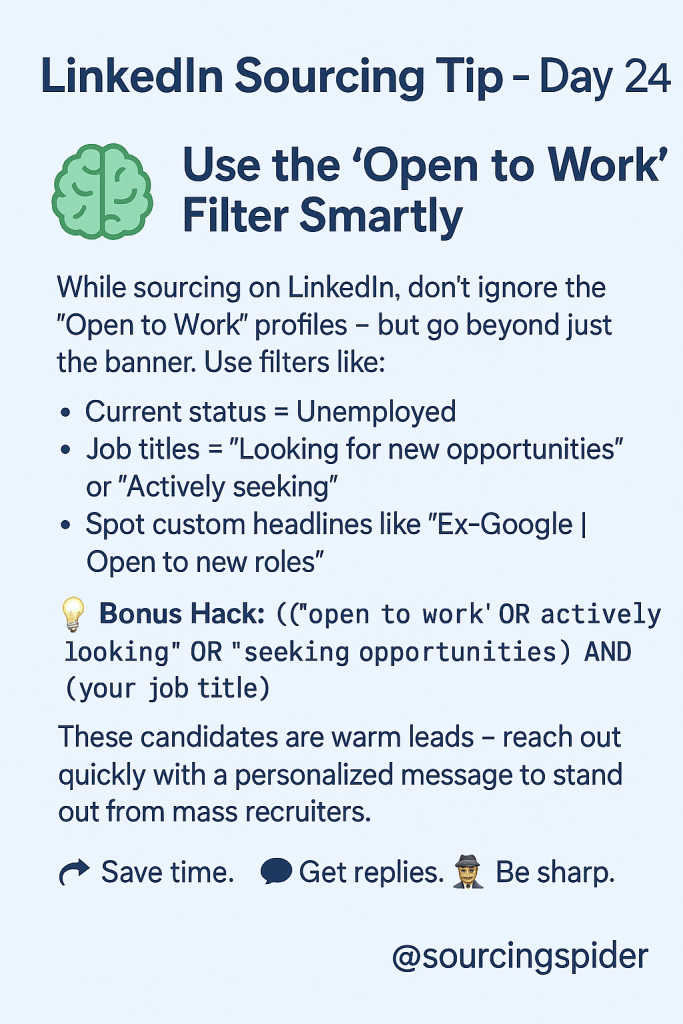
LinkedIn Sourcing Tip – Day 24🧠 Use the “Open to Work” Filter Smartly While sourcing on LinkedIn, don’t ignore the “Open to Work” profiles — but go beyond just the […]
LinkedIn Sourcing Tip – Day 24 🧠 Use the “Open to Work” Filter Smartly
While sourcing on LinkedIn, don’t ignore the “Open to Work” profiles — but go beyond just the banner. Use filters like:
Current status = Unemployed
Job titles = “Looking for new opportunities” or “Actively seeking”
Spot custom headlines like “Ex-Google | Open to new roles”
💡 Bonus Hack: Search using this Boolean string in the keyword section:
(“open to work” OR “actively looking” OR “seeking opportunities”) AND (your job title)
These candidates are warm leads — reach out quickly with a personalized message to stand out from mass recruiters.
Myself Manish Pipalwa, an HR Professional with with more than 9+ years of Experience in Recruitment & Sourcing.
Currently employed with Eaton Corporation as Talent Acquisition Consultant- Supporting Hiring for 2 Major Business Units Relating to Finance & Supply Chain Domin.
Prior to Eaton, was associated with Mphasis as Assistant Manager- Talent Acquisition.
My Interest are Networking , Travelling and in Social Media




 sourcingspider

 SourcingSpider